There is no easy way in Planning Analytics (PA) to find out who is the Subscription Administrator. Only the Subscription Administrator can find out by logging into PA and looking out for the ‘IBM Subscriptions Management’ link available to them.
From Planning Analytics Workspace #
- Open Planning Analytics Workspace (link in the welcome pack) but should be similar to https://eu1.planning-analytics.ibmcloud.com
- Select your environment (typically Production rather than Development or Test)
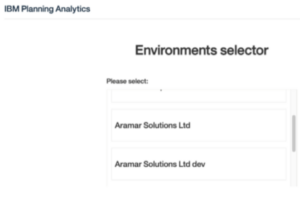
- From the homepage click on ‘Administration’
- Open the Users & Groups tile

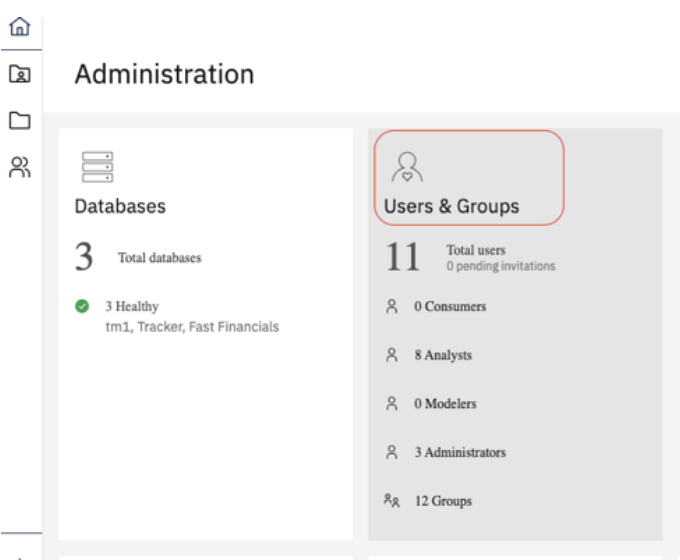
Within the Users & Groups screen, selecting a user will display their details in the right-hand panel.
A Subscription Administrator user will have the ‘Invite’ button visible, and, in the top right corner of the page, the link ‘IBM Subscriptions Management’ available to them, as below:

If You Are Not a Planning Analytics Administrator #
If you do not have administrator access, the easiest option is usually to check internally within your organisation to see who was originally assigned as the Subscription Administrator during the environment setup.
If this information is not known, you can contact IBM Support through the support portal: www.ibm.com/mysupport/s/
From there, select Open a Case and request confirmation of the current Subscription Administrator for your environment.
Using MyIBM to Find a Subscription Administrator #
Users with administrative access to the IBM MyIBM portal can view the current Subscription Administrators for their IBM Planning Analytics environment.
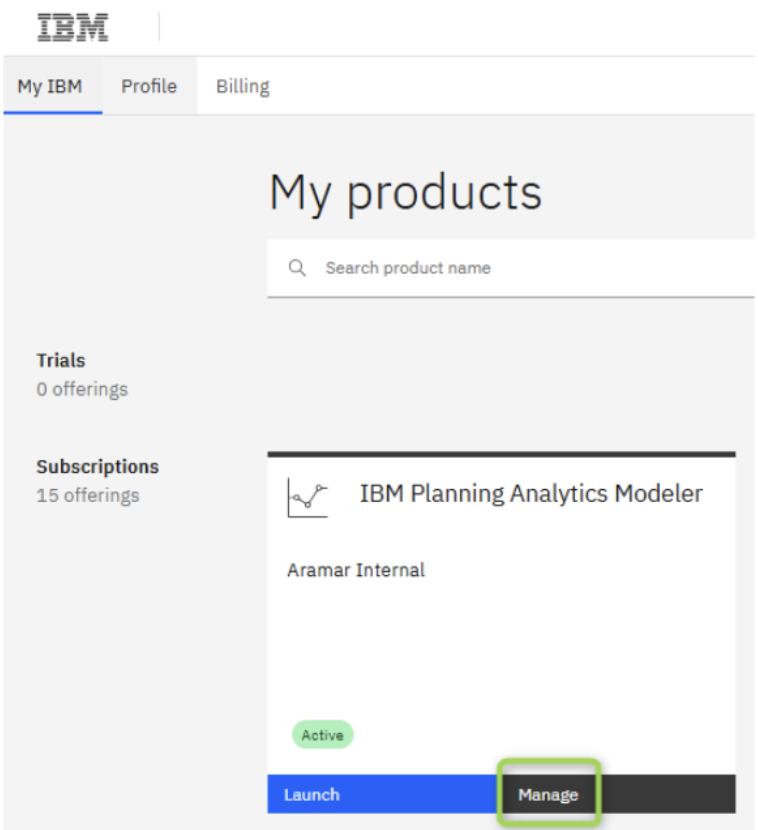
- Log into: https://myibm.ibm.com
- From the dashboard, select your product and click Manage
- Next, click on ‘Manage Users’ on the left-hand side menu, followed by the ‘Subscription administrators’ tab.
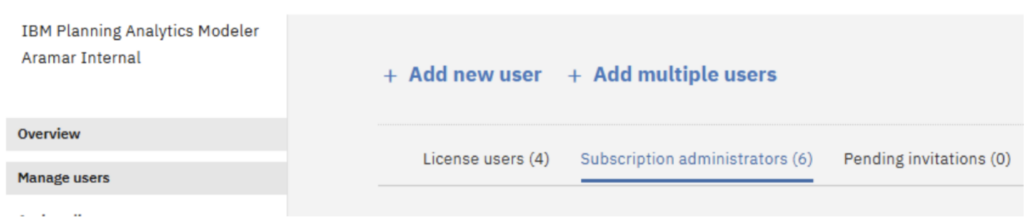
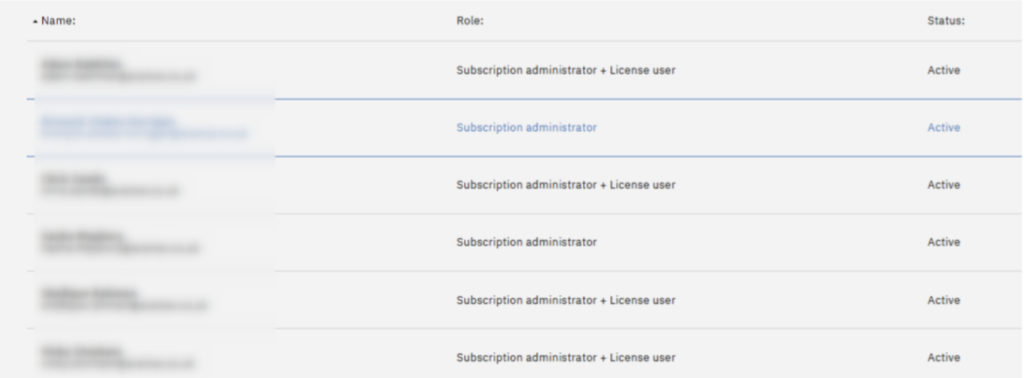
Here you will see a full list of the current Subscription Administrators for your Planning Analytics environment.
How To: Add a Subscription Administrator #
How to: Remove a Subscription Administrator #
Final thought #
Keeping Subscription Administrator details up to date is important for maintaining secure access and avoiding delays when managing users or licences. If you need help managing your Planning Analytics environment or understanding user roles, talk to us, we are always happy to help.


